
Choosing the Right Digital Signage Solution for Your Business
Introduction
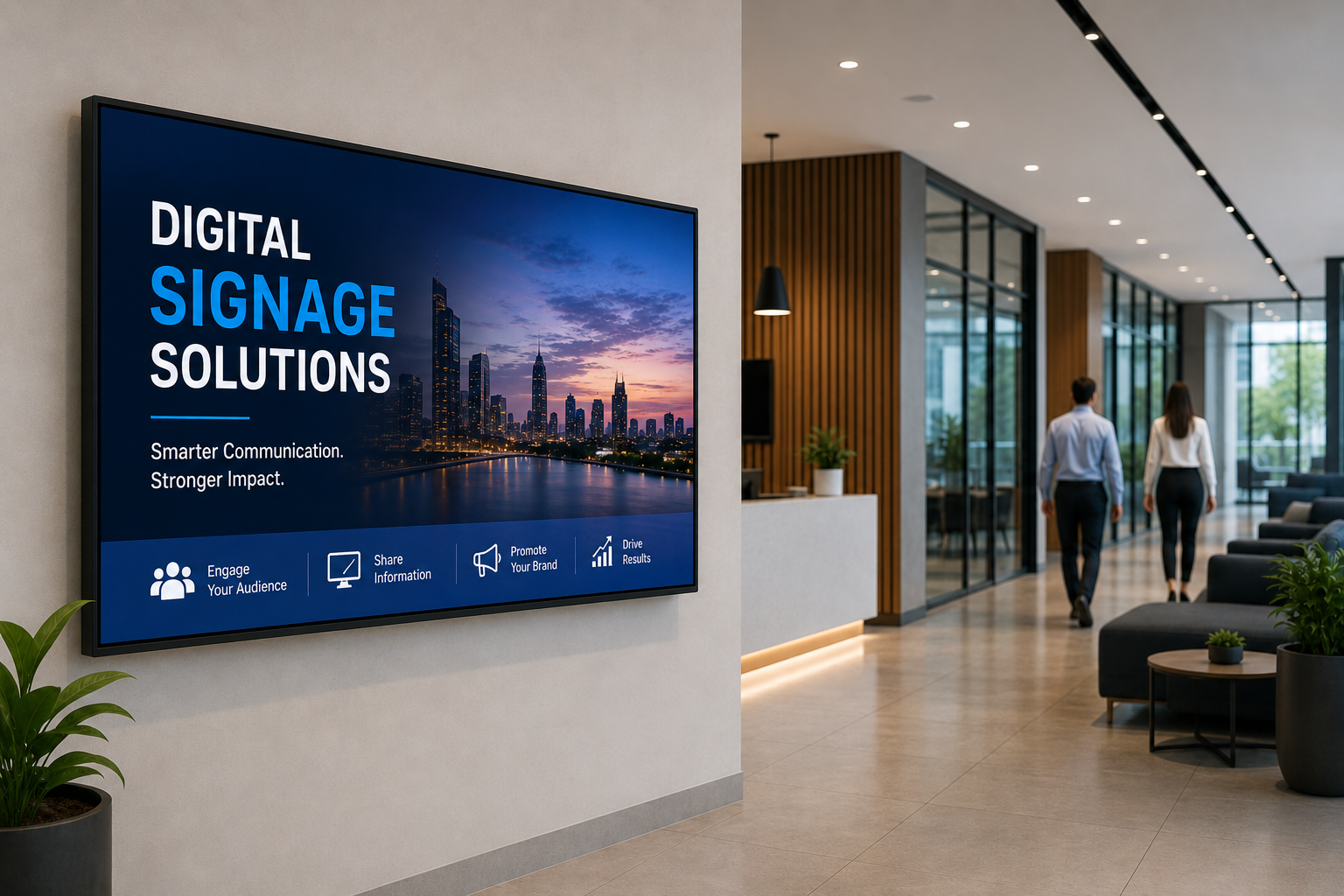
In today's fast-paced digital world, businesses are constantly searching for smarter ways to communicate with customers, employees, and visitors. Traditional printed posters and notice boards are no longer enough to capture attention or deliver timely information. Digital Signage has emerged as one of the most effective communication tools, helping businesses display dynamic content, update information instantly, and create engaging experiences.
Whether you own a retail store, restaurant, corporate office, hospital, educational institution, hotel, shopping mall, bank, or manufacturing facility, investing in the right Digital Signage Solution can improve customer engagement, strengthen your brand, and reduce operational costs.
However, with many hardware options, software platforms, and display technologies available, choosing the right solution can feel overwhelming.
This guide explains everything you need to know before investing in a Digital Signage system.
Why Digital Signage Matters
Modern consumers expect businesses to communicate quickly, clearly, and visually. Digital displays allow organizations to replace outdated printed materials with attractive multimedia content that can be updated in seconds.
Some common uses include:
- Product promotions
- Brand advertisements
- Employee communication
- Digital menu boards
- Wayfinding displays
- Hospital information screens
- School announcements
- Corporate dashboards
- Queue management
- Event promotions
Businesses using Digital Signage often experience improved customer engagement, faster communication, and stronger brand recognition.
Step 1: Define Your Business Goals
Before purchasing any hardware or software, identify your objectives.
Ask yourself:
- Do you want to increase sales?
- Improve employee communication?
- Reduce printing costs?
- Display advertisements?
- Promote new products?
- Manage multiple branches?
- Improve customer experience?
Clearly defining your goals helps you choose the right combination of displays, software, and content management tools.
Step 2: Select the Right Display Type
Different businesses require different display solutions.
Indoor Digital Displays
Ideal for: Retail Stores, Corporate Offices, Hospitals, Schools, Restaurants, Hotels.
Benefits: Bright images, Slim design, Low maintenance, High resolution.
Outdoor Digital Displays
Designed for: Petrol Pumps, Shopping Malls, Stadiums, Bus Stations, Airports.
Features include: Weather resistance, High brightness, Anti-glare technology, Durable construction.
Video Walls
Perfect for: Control Rooms, Corporate Lobbies, Shopping Centers, Exhibition Halls.
Video walls combine multiple displays into one large visual experience.
Interactive Touch Displays
Suitable for: Reception Areas, Educational Institutions, Museums, Shopping Malls.
Users can browse information, search directories, or interact with products.
Step 3: Choose a Cloud-Based CMS
The Content Management System (CMS) is the heart of every Digital Signage solution.
A cloud-based CMS allows you to manage every screen remotely from one dashboard.
Look for features such as:
- Remote content publishing
- Drag-and-drop media upload
- Playlist creation
- Multi-user access
- Device monitoring
- Role-based permissions
- Automatic scheduling
- Emergency alerts
Step 4: Evaluate Hardware Quality
Reliable hardware ensures uninterrupted performance.
Consider: Commercial-grade displays, 24/7 operation support, Full HD or 4K resolution, Energy efficiency, Long display lifespan, HDMI and USB connectivity, Built-in media player compatibility.
Commercial displays are designed for continuous use and last significantly longer than consumer televisions.
Step 5: Plan Screen Placement
Proper placement improves visibility and engagement.
Best locations include: Entrance, Reception, Waiting Area, Checkout Counter, Cafeteria, Lift Lobby, Conference Room, Hallway, Retail Window, Information Desk.
Avoid glare from windows and ensure comfortable viewing angles.
Step 6: Focus on Content Strategy
Even the best hardware won't perform well without engaging content.
Your content should include: High-quality images, Short videos, Clear headlines, Company branding, Promotions, Product information, Event schedules, QR Codes, Calls-to-action.
Keep messages simple because viewers usually look at screens for only a few seconds.
Step 7: Content Scheduling
Scheduling allows businesses to automate content throughout the day.
Example:
- Morning: Breakfast Offers, Employee Greetings
- Afternoon: Product Promotions, Business Updates
- Evening: Flash Sales, Events
- Weekend: Seasonal Campaigns, Festival Offers
Automation reduces manual work while keeping displays relevant.
Step 8: Remote Device Management
A good Digital Signage platform should allow administrators to monitor every display remotely.
Features include: Online/offline status, Device health monitoring, Screenshot preview, Software updates, Remote restart, Storage monitoring, Error notifications.
Remote management reduces maintenance costs and minimizes downtime.
Step 9: Scalability
Your business may grow from one location to hundreds.
Choose software that supports: Unlimited displays, Multiple branches, Multiple users, Department-wise access, Regional management, Centralized control.
Scalable systems eliminate the need to replace software as your organization expands.
Step 10: Analytics & Reporting
Analytics help measure content performance.
Track metrics such as: Campaign duration, Screen uptime, Content playback, Device status, Display health, User activity, Branch performance.
These insights help improve future campaigns and operational efficiency.
Industries That Benefit from Digital Signage
- Retail: Product promotions, Discounts, New arrivals
- Healthcare: Patient information, Doctor schedules, Health awareness
- Education: Campus announcements, Timetables, Event information
- Corporate: Employee communication, KPI dashboards, Company news
- Restaurants: Digital menu boards, Combo offers, Seasonal promotions
- Hospitality: Guest information, Event schedules, Welcome screens
- Banking: Queue management, Financial awareness, Promotional campaigns
Why Businesses Choose ScreenBuzz
ScreenBuzz offers a complete Digital Signage ecosystem designed for businesses of every size.
Features include:
- Cloud-Based CMS
- Commercial Displays
- Remote Device Monitoring
- Real-Time Scheduling
- Playlist Management
- Multi-Branch Management
- Analytics Dashboard
- Emergency Alerts
- Easy-to-Use Interface
- Professional Installation
- Ongoing Technical Support
Best Practices Before Buying
- ? Define business goals
- ? Select commercial displays
- ? Choose cloud software
- ? Plan display locations
- ? Create engaging content
- ? Schedule campaigns
- ? Monitor device health
- ? Review analytics regularly
- ? Train your team
- ? Choose a trusted provider
Conclusion
Choosing the right Digital Signage solution is an investment in better communication, stronger branding, and improved customer engagement. By selecting reliable hardware, cloud-based software, and a scalable content management platform, businesses can simplify operations while delivering impactful visual experiences.
ScreenBuzz combines powerful cloud technology, commercial-grade hardware, intuitive content management, and enterprise-level support to help organizations communicate smarter and grow faster.
Whether you're managing one display or thousands across multiple locations, ScreenBuzz provides the flexibility, reliability, and performance needed to succeed in today's digital-first world.